728x90
SMALL
UICollectionViewCompositionalLayout의 section header는 해당 섹션의 상단까지만 표시됩니다.
즉, collectionView 자체의 top 영역까지는 확장하지 못해요.
✅ 구현하려는 UI
- UICollectionViewCompositionalLayout로 구현
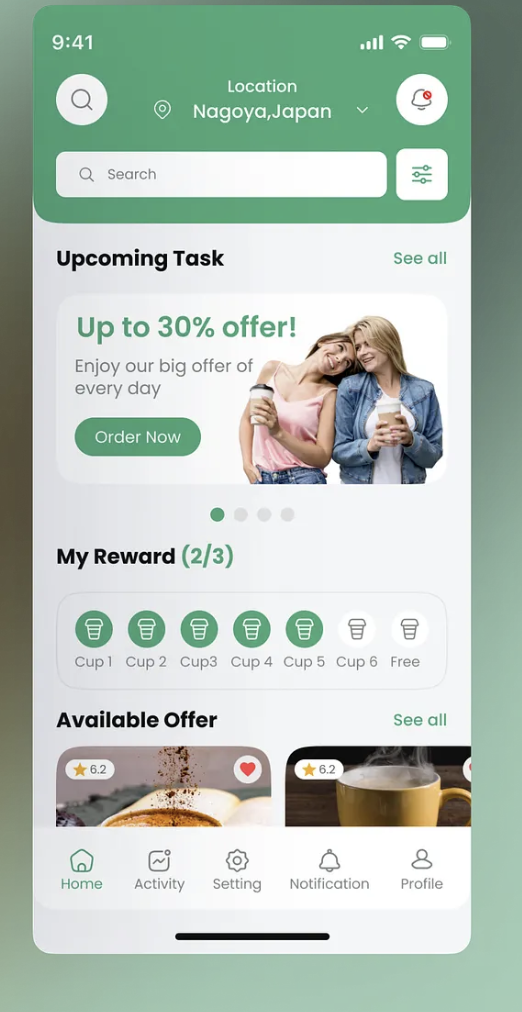
✅ 방법: UICollectionView 위에 별도로 헤더용 View를 직접 올리기
즉, Compositional Layout의 헤더 말고 따로 상단 UI를 구성하는 방식
이 방식으로 할 경우에는, headerView는 위치가 고정되어 있고, collectionView만 스크를됨
view
├── headerContainerView (위쪽 라운드 + 검색 UI)
└── collectionView (헤더 밑에)
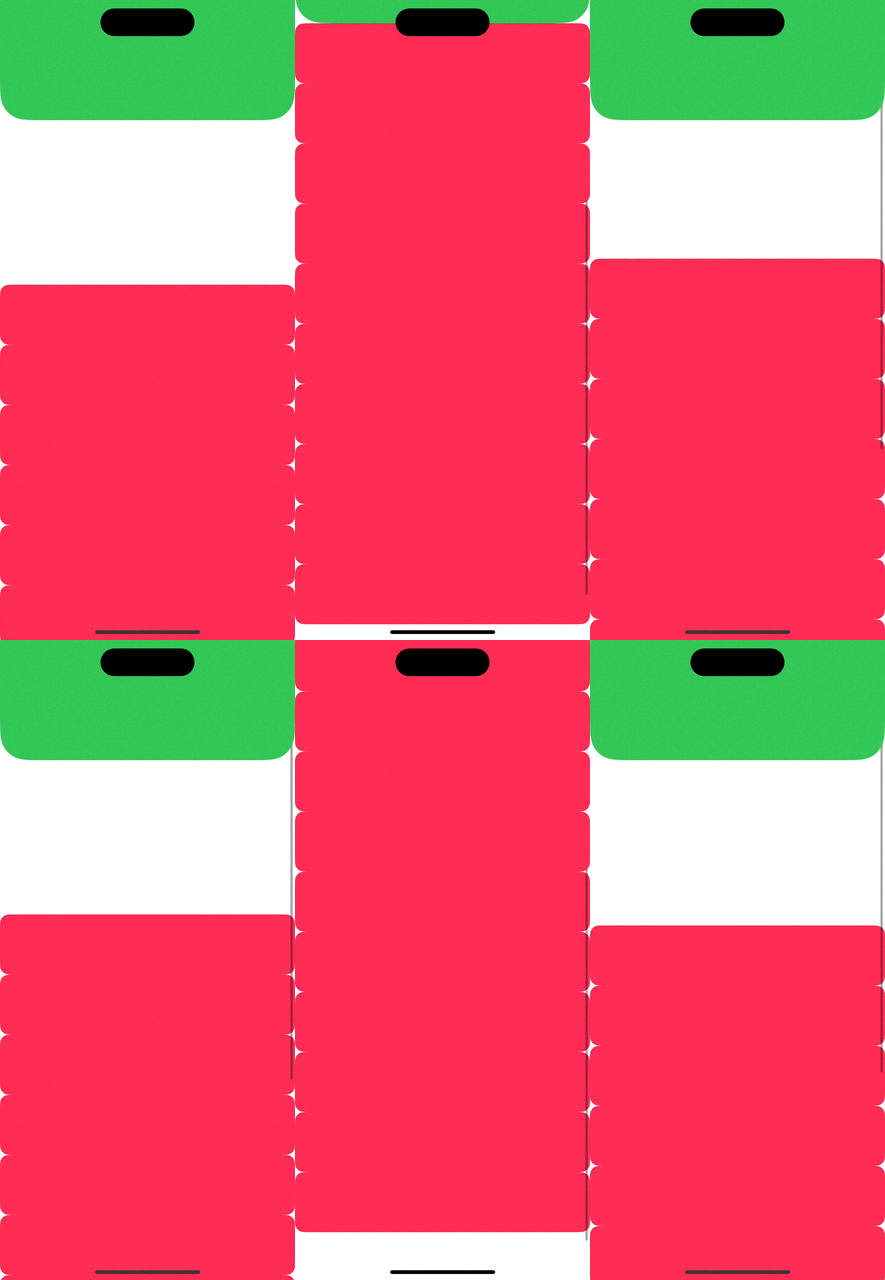
🔨 headerView도 스크롤할 경우 화면에 따라 올라가거나, 나타나게 하기
private func setupHeaderView() {
    view.addSubview(headerView)
    headerView.translatesAutoresizingMaskIntoConstraints = false
    NSLayoutConstraint.activate([
        headerView.topAnchor.constraint(equalTo: view.topAnchor),
        headerView.leadingAnchor.constraint(equalTo: view.leadingAnchor),
        headerView.trailingAnchor.constraint(equalTo: view.trailingAnchor),
        headerView.heightAnchor.constraint(equalToConstant: 160)
    ])
}

// ✅ 위와 같이 hoeaderview 관련 제약조건 설정
private func setupCollectionView() {
    ...
    NSLayoutConstraint.activate([
        collectionView.topAnchor.constraint(equalTo: view.topAnchor), // 중요
        collectionView.leadingAnchor.constraint(equalTo: view.leadingAnchor),
        collectionView.trailingAnchor.constraint(equalTo: view.trailingAnchor),
        collectionView.bottomAnchor.constraint(equalTo: view.bottomAnchor)
    ])

    collectionView.contentInset = UIEdgeInsets(top: 160, left: 0, bottom: 0, right: 0)
}

// ✅ 헤더가 가지고 있는 높이만큼 여백 설정
extension HomeViewController: UIScrollViewDelegate {
    func scrollViewDidScroll(_ scrollView: UIScrollView) {
        let yOffset = scrollView.contentOffset.y

        // ✅ 헤더뷰를 위로 스크롤되게 고정
        if yOffset < 0 {
            headerView.transform = CGAffineTransform(translationX: 0, y: -yOffset)
        } else {
            headerView.transform = .identity
        }

        // or: 사라지게 만들고 싶다면 아래처럼도 가능
        // headerView.alpha = max(0, 1 - (yOffset / 100))
    }
}
728x90
LIST
'Project > CafePoCa' 카테고리의 다른 글
| 🔍 SearchController를 통해 검색 기능 구현하기 (3) | 2025.06.10 |
|---|---|
| ✅ 위치 정보 및 권한 설정하기 (1) | 2025.06.08 |
| 🤔 깃 브랜치 구조는 어떻게 할래? (0) | 2025.06.06 |

